
Samsung Wallet's USDC Account Is Live. What to Know Before You Move Money
Samsung Wallet now has a Stablecoin Account. Eligible Galaxy users in the United States can use it to hold and send USDC, a digital dollar that moves on the ...
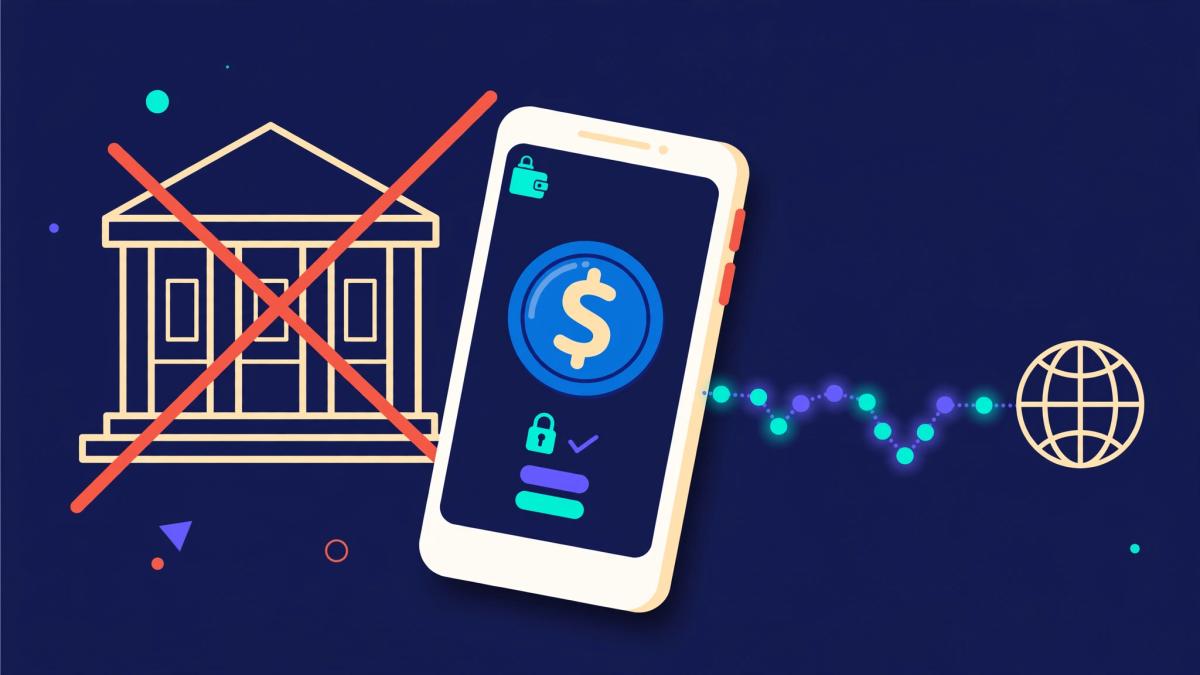
Samsung Wallet now has a Stablecoin Account. Eligible Galaxy users in the United States can use it to hold and send USDC, a digital dollar that moves on the Solana network. The Solana Foundation says it went live on Nov. 2, 2026. We covered the Oct. 7 announcement earlier. Now that the account is open, here is what Samsung says it is, and what it is not.
What the account is
USDC is a stablecoin, a digital asset built to track the U.S. dollar. Circle issues it. In its Stablecoin Account FAQ, Samsung says it provides the app. Bastion, a licensed money transmitter, provides the custodial wallet and the transfers. "Custodial" means a company holds the USDC for you. Bastion keeps it in Coinbase's institutional custody.
The Solana Foundation says users do not need a separate crypto app or private keys.
It is not a bank account
Samsung's FAQ is direct on this point. The account holds digital assets, not bank deposits, and Samsung is not a bank. USDC is not legal tender and no government backs it. Your balance and rewards are not covered by FDIC, NCUA, or SIPC protections.
Who can use it
- You must be at least 18 and live in a U.S. jurisdiction where the feature is offered.
- It is not available to New York residents.
- You need a Samsung Account and a compatible Galaxy device that runs Android 13 or later.
- Fingerprint authentication must be on. Samsung says a PIN or face unlock alone does not work for this feature.
- You can have one account, in your own name.
Samsung says sign-up asks for your name, address, date of birth, and taxpayer identification number. It may also ask for a government ID, a selfie, your occupation, and your source of funds.
How money moves in and out
- Adding money: Use a bank account or a debit or credit card in your own name, add funds through Coinbase, or receive USDC from an outside crypto wallet on a supported network.
- Sending USDC: Send to another Samsung Wallet user with their Samsung Account email. They need their own Stablecoin Account. You can also send to an outside crypto wallet address.
- Sending money abroad: Samsung says eligible users can send to bank accounts in more than 60 countries. The recipient may get local currency and does not need a Stablecoin Account.
- Taking money out: Withdraw to a bank account or debit card in your own name. The USDC is converted back to U.S. dollars.
Fees and limits
Samsung says there is no fee to open the account. Other fees depend on the method and the destination. Samsung says the app shows fees before you confirm. Your bank, card issuer, or the receiving wallet can add their own charges.
Samsung's Oct. 7 announcement says it does not charge a fee for USDC sent to an outside wallet. A fee may apply to accounts that sit unused for more than a year. Limits may apply to adding, withdrawing, and sending money, and they can change. The FAQ does not list exact fees or limits.
Mistakes you cannot undo
- Samsung says a send cannot be canceled or reversed once you submit it.
- Money sent to the wrong address or network may be lost for good. Samsung says to check that both wallets support USDC on the same network.
- Samsung or Bastion may restrict an account for legal, fraud, or security reasons, sometimes without notice.
- Samsung warns about anyone who unexpectedly asks you to move money "to keep it safe." Reporting a scam does not guarantee you get the money back.
- After a long time with no activity, unclaimed-property laws may require a balance to go to the state.
Samsung also offers optional rewards. The rate is shown in the app and can change. Samsung says rewards may count as taxable income, so a tax professional can help with your own case.
What is still unclear
- Launch date. Samsung's Oct. 7 announcement said the last week of October. The Solana Foundation says Nov. 2. We did not find a separate Samsung launch notice with a date.
- Country list. Samsung says the full list of countries appears in the app.
- Networks. The Oct. 7 announcement named Solana and Sui as network partners. The Solana Foundation says this launch settles on Solana. Samsung's FAQ says supported networks can change, so check the network shown in the app each time.
- What comes next. Samsung says it may explore online and in-store payments and more countries later, subject to local rules. It gave no dates.
A quick check before you send
- Read the fee screen and the amount the other person will receive.
- Confirm that the receiving wallet supports USDC on the network you picked.
- Check the wallet address or Samsung Account email, character by character.
- Remember that you cannot take the send back.
Sources
- Solana Foundation: Stablecoin Account Goes Live in Samsung Wallet (Nov. 5, 2026)
- Samsung: Samsung Wallet Stablecoin Account FAQs
- Samsung U.S. Newsroom: Samsung Wallet to Bring Stablecoin Access to Eligible Galaxy Users in the US (Oct. 7, 2026)
Disclosure: This article is informational coverage based on the cited Solana Foundation and Samsung pages, which were checked on Nov. 6, 2026. Fees, limits, supported networks, and account terms can change, so read the terms in Samsung Wallet and from each provider before you move money. The featured image is a generated illustration, not a photo of the product. This article is not financial, legal, or investment advice. AI-assisted research and writing. Cited sources, not AI alone, support the claims.