


A Limit Order Is Not Always a Maker Order: How Coinbase and Kraken Charge Fees
Many traders choose a limit order to control price and assume it also gets the lower fee. It does not always. Whether you pay a maker fee or a taker fee depe...
Many traders choose a limit order to control price and assume it also gets the lower fee. It does not always. Whether you pay a maker fee or a taker fee depends on what your order does when it reaches the exchange, not on the order type name.
This guide explains the difference using the help pages of Coinbase and Kraken, which we reviewed on Oct. 9, 2026, and lists what to check before you confirm an order.
Maker and taker, in plain terms
An exchange keeps an order book: a list of buy orders and sell orders waiting for matches. A maker adds an order to that book and waits. A taker accepts an order that is already waiting.
Coinbase's Advanced fee page defines a taker order as one that fills immediately, including a limit order that fills immediately. A maker order rests on the book and pays the maker fee when someone else matches it.
When a limit order becomes a taker
Kraken's help page says a limit order can execute as a taker if its price is on the wrong side of the book. Kraken's limit price guide gives the rule for buys. A buy limit price at or above the lowest sell order matches as a taker. A buy price below the lowest sell order is a maker price.
As an illustration, suppose the lowest sell order is $100.00. A buy limit at $99.50 waits on the book and can be a maker. A buy limit at $101.00 can match the waiting sell order right away, so it is a taker.
Partial fills can split the fee
Coinbase says that when an order partly fills immediately, the immediate portion pays the taker fee and the remainder pays the maker fee when it is matched. The fee tier in effect at the time of the order sets the rates. Tiers are based on 30-day volume or USDC balance, and certain trading pairs have separate schedules.
Post-only orders
Both exchanges offer an option to guard against accidental taker fills.
- Coinbase Post only posts the order to the book and charges the maker fee if it fills. If any part would execute immediately, Coinbase rejects the entire order. Coinbase's Allow Taker option does the opposite, letting the order execute even if it crosses the spread, with that portion charged the taker fee.
- Kraken's post limit order option is designed to place the order as a maker or cancel it. It appears on the Kraken Pro order form.
Market orders are taker orders on both platforms. Kraken adds that stop-loss and take-profit orders that execute as market orders are also taker.
The simple buy screen works differently
Coinbase's pricing page says simple buy and sell trades include a spread, the gap between buy and sell prices, in the quoted price. The order preview shows the total with the spread and fees. The page says Coinbase Advanced includes no spread because you interact directly with the order book.
The same page lists a separate limit order execution fee for simple limit orders. It showed 1% when we reviewed it on Oct. 9, 2026. Coinbase also says zero-fee trading under Coinbase One does not cover that fee, and spread may still apply. Fees on that page vary by payment method, order size, market conditions, asset and region, and are not available in every region, so use the rate in your own preview.
Fee tiers and what counts toward them
Kraken's help page says volume discounts count crypto trading volume only. Purchases through the Buy Crypto widget, Kraken app purchases and stablecoin or foreign-exchange pairs do not count toward the tier. If you expect a lower tier, check which activity is counted.
A checklist before you confirm
- Which screen are you on? Simple buy, Coinbase Advanced and Kraken Pro charge in different ways.
- Is your price on the maker side? For a buy, compare it with the lowest sell price. For a sell, compare it with the highest buy price.
- Do you want the order rejected if it would fill now? Use the post-only option if the maker fee matters more than speed.
- Read the preview. Look at the fee line, the spread and the total.
- Check your tier. Fee schedules change, so use the current schedules from Coinbase and Kraken.
What a limit order still does not guarantee
Kraken's limit price guide notes that a limit order controls the price you accept but may fill only partly. It also does not guarantee you will pay the maker fee, as shown above. This article does not quote universal fee percentages, because rates differ by region, tier, product and date.
Sources
- Coinbase Help: pricing and fees
- Coinbase Help: Coinbase Advanced fees
- Coinbase Help: order types
- Kraken Support: what are maker and taker fees?
- Kraken Support: how to set prices for limit orders on Kraken Pro
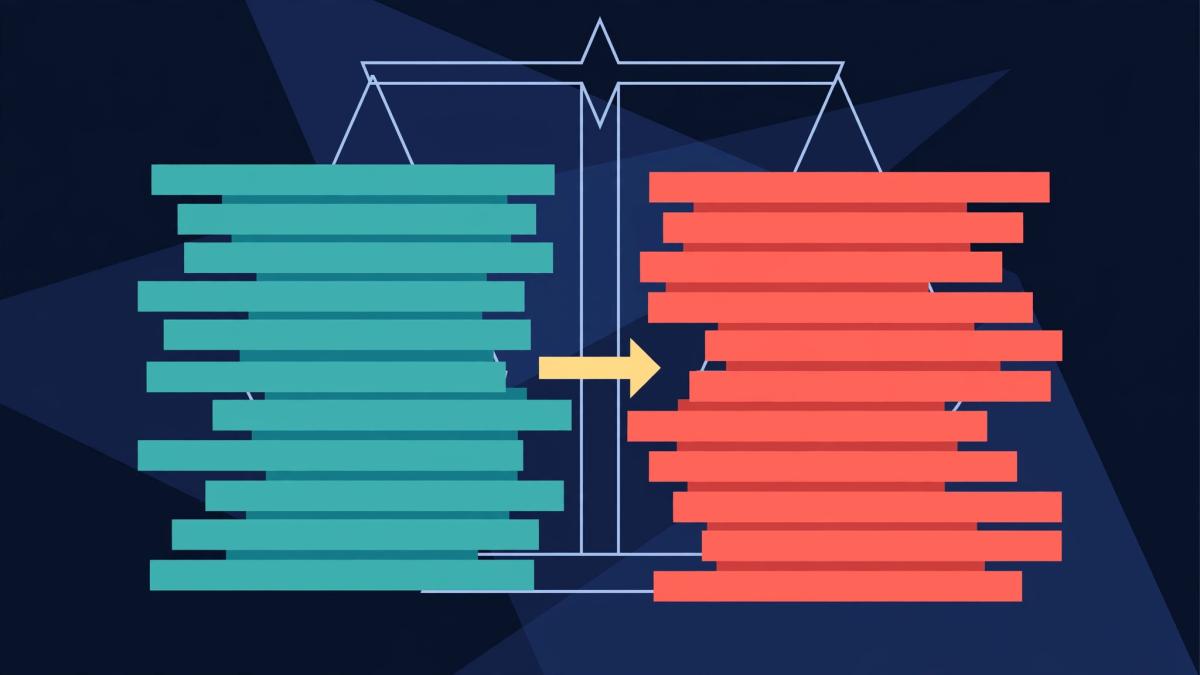
Disclosure: This article compares published help pages from Coinbase and Kraken and does not recommend either exchange or any trade. The featured illustration is generated and conceptual. This article is not financial, legal, or investment advice. AI-assisted research and writing. Cited sources, not AI alone, support the claims.