
A Token Swap Failed. What Does the Slippage Limit Change?
A swap failed and the app suggests a higher slippage limit. Here is what the setting does, what it risks, and why there is no one safe number.
You try to swap one token for another. The app says the swap failed, or it suggests a higher "slippage" limit. This article explains what that setting does and what it does not do.
A swap is a trade of one token for another. The slippage limit is one setting on that trade.
Two words that sound alike
Uniswap, a swap service, defines price impact as the change in a token's price caused by your own trade. A large order, or little supply to trade against (called liquidity), can make that effect bigger. MetaMask, a wallet app, says a price-difference warning can appear for those reasons.
Uniswap defines slippage as the difference between the price you expected and the price you actually got when the swap finished. The gap appears because a swap does not finish the moment you tap the button. It waits to be processed, and the price can move during that wait, according to 1inch, another swap service.
What the slippage limit does
The slippage limit, also called tolerance, is the largest price change you allow. If the price moves past it, the swap stops instead of finishing at a worse price. Uniswap says the transaction fails when the real result differs from the expected one by more than your limit.
1inch explains how this works for the swap it describes. Your limit becomes a minimum received amount that the transaction itself enforces. Its example: a quote of 3,000 USDC with a 0.5% limit can finish at anywhere down to 2,985 USDC, and not below that. If the swap cannot deliver at least the minimum, it reverts. That means it is canceled and no tokens change hands.
MetaMask gives a similar example for its own swap button. With a 5% limit on a purchase of 100 tokens, you should receive no fewer than 95. Other swap types and apps may work differently, so check how yours describes the setting.
1inch also says the quote already includes your own trade's price impact. The limit controls how much the price may change after the quote. It does not remove the impact that is already in the quote.
Why a low limit can make a swap fail
Uniswap says a limit set too low may cause a transaction to fail. In that case, the price moved more than you allowed while the swap waited. The swap stops. That can happen even when nothing is wrong with your wallet.
What a higher limit allows
A higher limit allows a worse result. Uniswap warns that a limit set too high can give you fewer tokens than the preview showed. Its example: at a 25% limit, you may receive 25% fewer tokens than the preview.
The limit is a ceiling, not a charge. A higher limit does not mean the full difference is always taken. The swap can finish anywhere between the quote and your minimum. 1inch adds that a high limit shows how bad a result you will accept, and says some bots try to profit from that.
Can a failed swap still cost money?
1inch says a swap that was sent to the network and then reverts still costs the network fee for the attempt, which is the fee paid to process a transaction. No tokens change hands. This applies to a transaction that was actually submitted and ran. Not every error message means a transaction was sent. Your wallet's activity list shows whether one was.
Uniswap's help pages do not agree on the default
One Uniswap help page says the automatic slippage setting runs between 0.5% and 5%, depending on network cost and swap size. Another says the Uniswap interface sets a default limit of 0.5%. Both pages show the same update age, "3 months ago." We cannot tell which one is current.
So check the setting on your own swap screen. Uniswap says the swap settings let you switch between "Auto" and "Custom," and the expanded swap details show your current maximum slippage.
There is no one safe number
None of the sources linked here gives a setting that is safe for every swap, so this article does not either. Trade size and market conditions change from swap to swap.
1inch says the number to read before you sign is the minimum received, because it is the worst case the transaction will accept. If your app shows it, ask whether you can accept that amount. If your app shows a price-difference warning, read it first.
A higher limit does not fix every failure
Uniswap lists other reasons a swap can fail. A 30-minute deadline can run out if the network cost you set is too low. You may not have enough of the network's own token to pay the network cost. A token can carry its own fee in its code. Some token types, such as rebasing, reflection, and debasing tokens, are not supported on Uniswap v3 or v4, and a swap with them fails automatically. Each of these has a separate cause.
Sources
These are support and learning pages from the companies named. The Uniswap pages show only relative update ages, and the 1inch page shows "Updated July 2026." The MetaMask text we read showed no date.
- Uniswap: Price Impact vs Price Slippage (shows "Updated 1 year ago")
- Uniswap: How to change slippage on the Uniswap Web app (shows "Updated 3 months ago")
- Uniswap: Why did my transaction fail? (shows "Updated 3 months ago")
- MetaMask: I did a swap but received fewer tokens or less fiat value than I expected
- 1inch: What is slippage (shows "Updated July 2026")
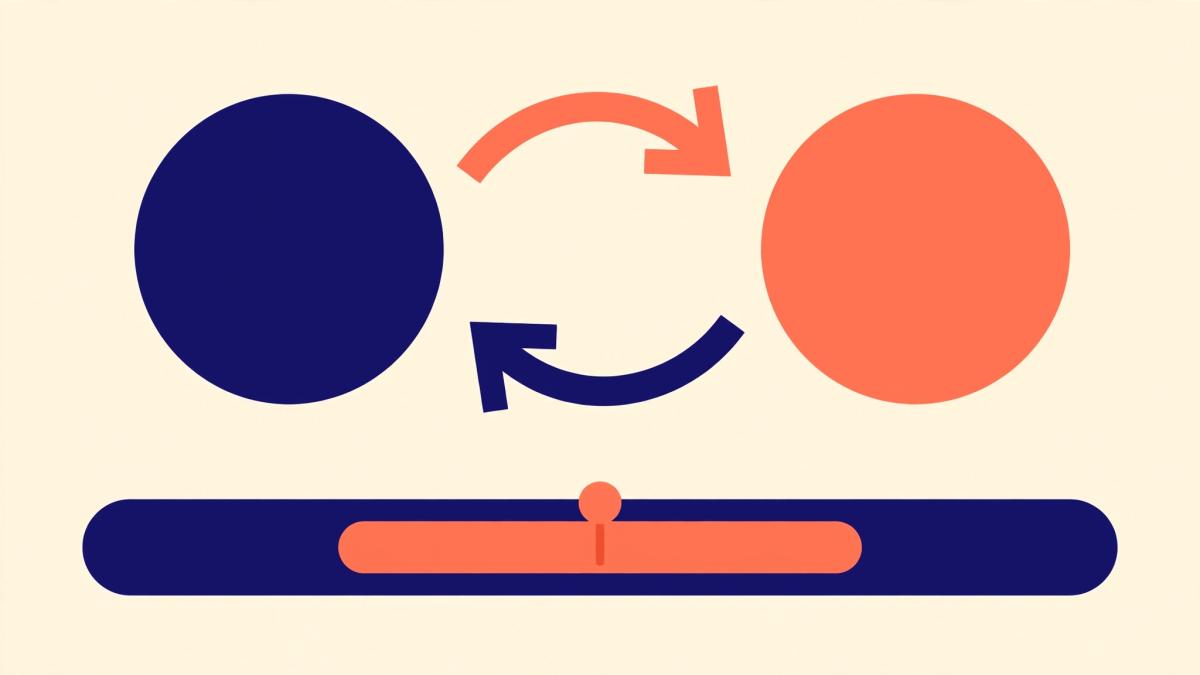
Disclosure: This is a general explainer based on the support pages linked above. Apps differ, so read the screen in your own wallet or swap app. Uniswap, MetaMask, and 1inch are examples, and this article does not recommend any of them. The illustration is a concept image. This article is not financial, legal, or investment advice. AI-assisted research and writing. Cited sources, not AI alone, support the claims.